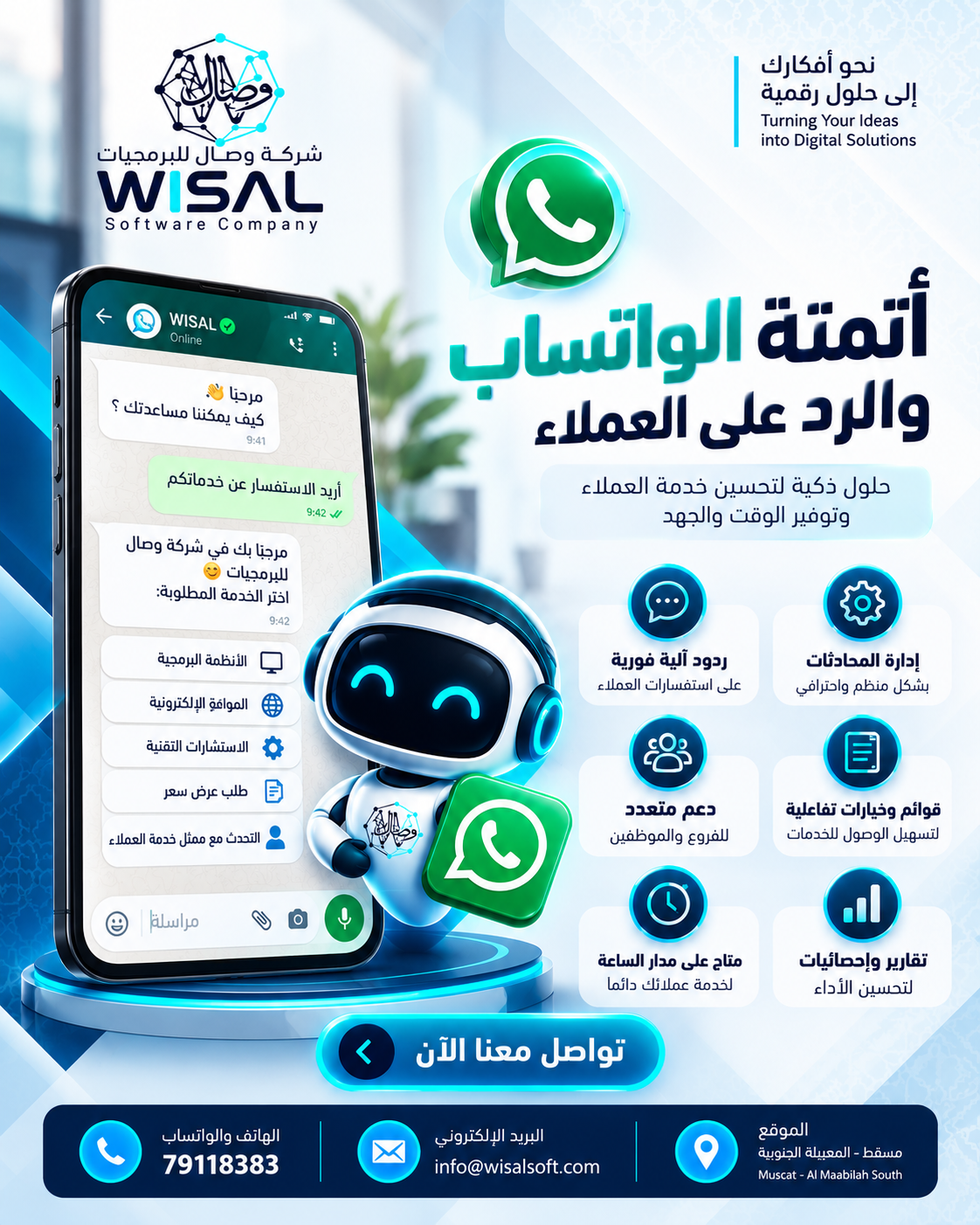
WhatsApp Automation for Businesses
WhatsApp Automation for Businesses: How Automated Replies Improve Customer Service
WhatsApp has become an important communication channel for businesses and their customers. Customers use it to ask about services, follow up on requests, and seek support. As daily message volumes grow, responding to every inquiry manually can require significant time and effort.
WhatsApp automation helps businesses organize conversations, provide timely initial responses, and guide customers toward the information and services they need.
What Is WhatsApp Automation?
WhatsApp automation uses software and predefined workflows to handle selected customer communication tasks automatically.
Depending on the solution and its configuration, these tasks may include greeting customers, answering frequently asked questions, presenting service menus, routing inquiries, and sending notifications related to customer requests.
These solutions can be built using suitable WhatsApp Business interfaces and must follow the platform's applicable policies and requirements.
Benefits of WhatsApp Automation for Businesses
1. Faster Responses to Common Questions
Automated replies can provide initial answers to frequently asked questions about services, working hours, and contact information, helping customers find essential details more easily.
2. Better Conversation Organization
Interactive menus can allow customers to select a topic, such as sales, technical support, or general inquiries, and then guide them through the appropriate conversation flow.
3. Less Repetitive Manual Work
Instead of repeatedly typing the same answers, businesses can configure automated workflows for common inquiries while allowing conversations to be transferred to a staff member when necessary.
4. A More Convenient Customer Experience
Clear options and structured replies can make it easier for customers to communicate with a business. Well-designed conversation flows can guide customers through service steps without unnecessary complexity.
5. Integration with Business Systems
Depending on project requirements and available integration options, WhatsApp can be connected to customer management systems, order platforms, or other business applications to support information sharing and follow-up.
Common Use Cases for WhatsApp Automation
Businesses across different industries can benefit from automation.
-
Retail businesses: Answer product and service inquiries.
-
Online stores: Help customers ask about products and orders.
-
Service companies: Guide customers to the appropriate service and organize requests.
-
Educational and training providers: Share information about programs, schedules, and registration.
-
Charitable organizations: Organize inquiries and provide information about available programs and services.
-
Customer support teams: Categorize inquiries and route them to the appropriate employee or department.
The best workflow depends on the organization's services, customers, and operational requirements.
Automated Replies vs. Integrated WhatsApp Automation
A basic auto-reply system sends a predefined message when a customer contacts a business or selects a specific option.
A more comprehensive automation solution may include interactive menus, multiple conversation flows, inquiry routing, system integration, and reporting, depending on the platform and implementation.
Before choosing a solution, businesses should identify their main objective, whether it is responding faster, organizing requests, managing conversations, or connecting WhatsApp with internal systems.
How to Get Started with WhatsApp Automation
A practical implementation usually includes the following steps:
-
Identify business needs: Review the most common customer questions and requests.
-
Map conversation flows: Plan greetings, menu options, responses, and handover paths.
-
Choose a suitable solution: Select tools and integrations that meet your requirements.
-
Prepare replies and menus: Use clear, concise language that customers can easily understand.
-
Test the workflows: Check different scenarios, including situations that require staff intervention.
-
Improve over time: Review recurring inquiries and usage results to refine the customer experience.
Businesses should also consider applicable WhatsApp Business policies, message consent requirements where relevant, and customer data protection.
WhatsApp Automation with Wisal Software Company
At Wisal Software Company, we develop digital solutions that help businesses organize customer communication and streamline their workflows.
We can help you assess your requirements and explore WhatsApp automation solutions, including automated replies, interactive menus, and potential integrations with other business systems, depending on your project requirements and available integration options.
If you want to improve customer service and reduce repetitive manual tasks, contact us to discuss a solution suited to your business.
Contact Wisal Software Company
-
Phone & WhatsApp: 79118383
-
Email: info@wisalsoft.com
-
Website: www.wisalsoft.com
-
Location: Al Maabilah South, Muscat, Oman
Wisal Software — Turning Your Ideas into Digital Solutions.